

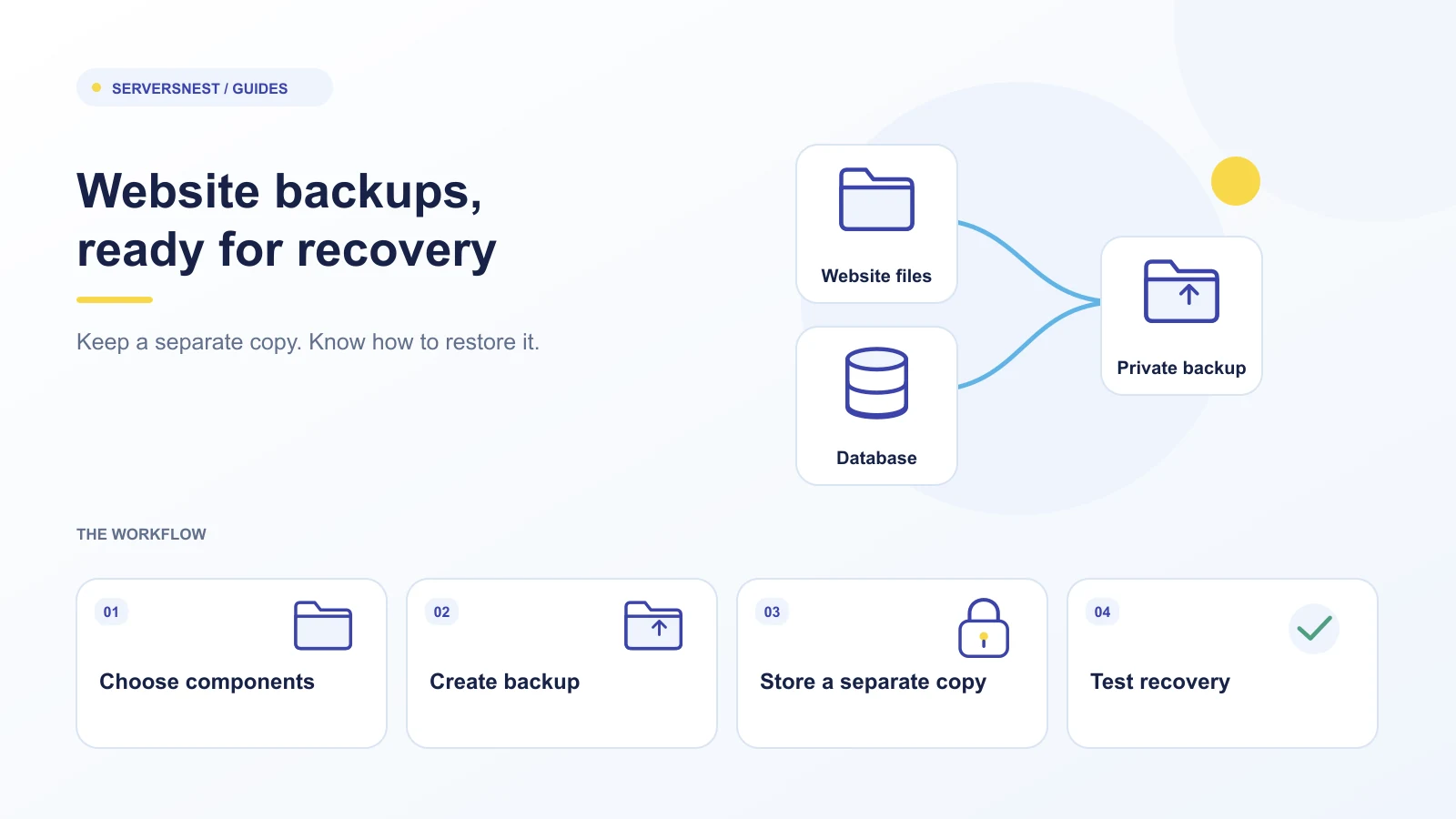
How to Back Up and Restore Your Website in cPanel
Create and download cPanel backups, choose full or partial copies, and understand how to restore website files and databases safely with this guide.
Step-by-step help with cPanel, WordPress, domains, email and hosting administration. Choose a topic below.
Create and download cPanel backups, choose full or partial copies, and understand how to restore website files and databases safely with this guide.
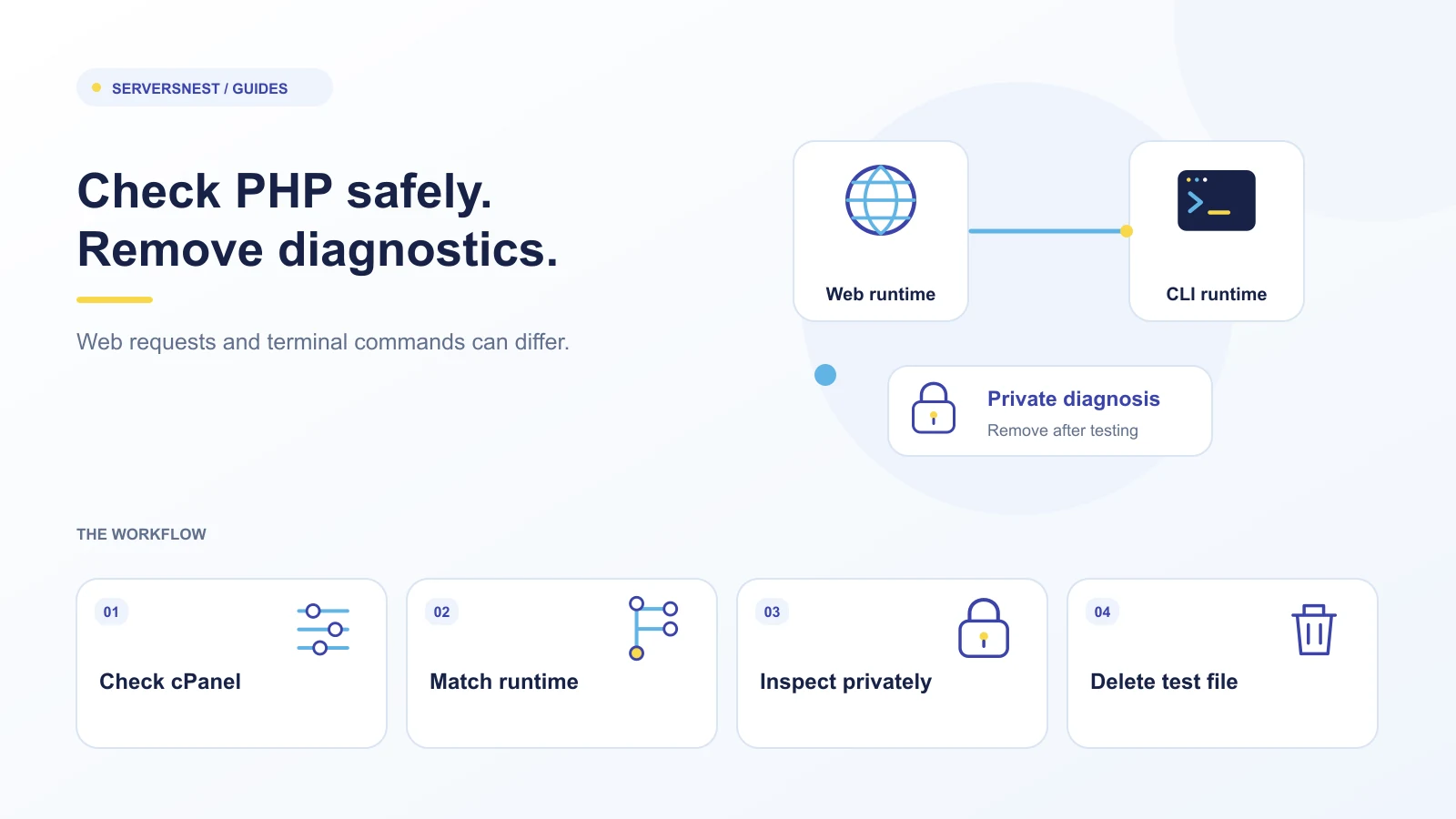
Check your website's PHP version in cPanel, understand CLI differences and use a protected phpinfo file only when needed, with clear cleanup steps.
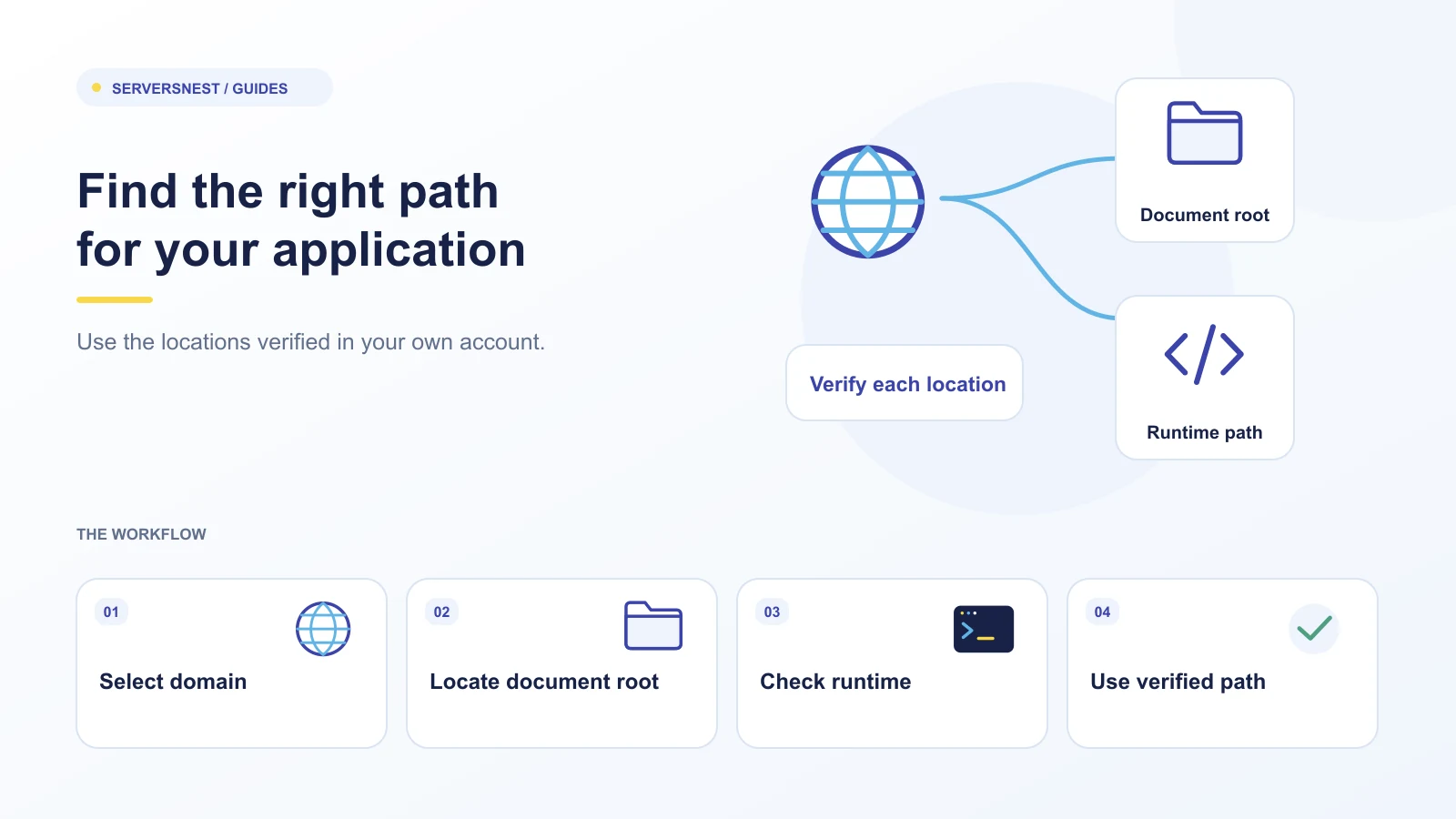
Find your website document root, PHP command path and application folders in cPanel. Learn which paths vary and how to check them before changing files.
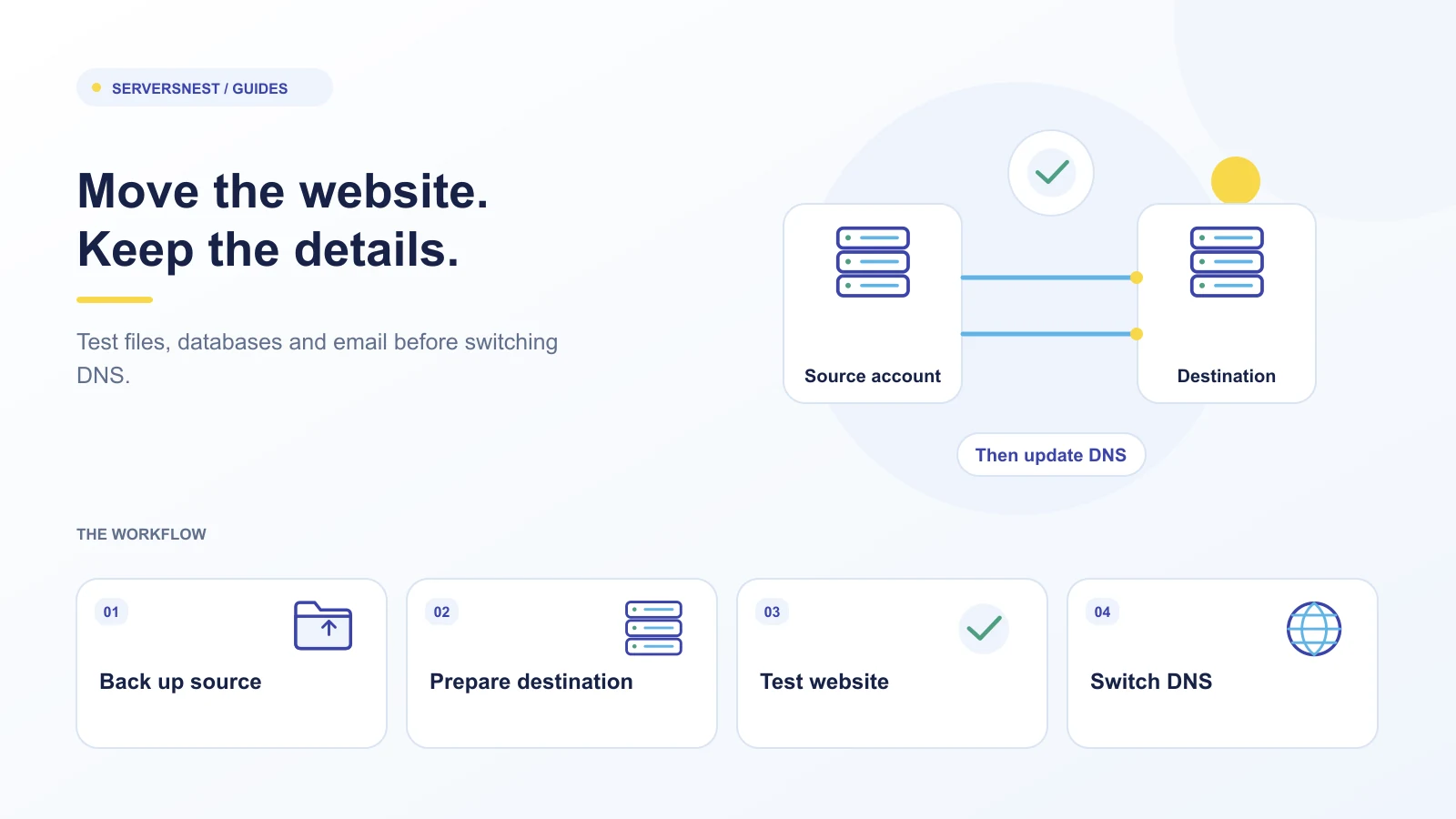
Move an addon domain safely between cPanel accounts. Back up files and databases, prepare email, test the destination and change DNS after verification.
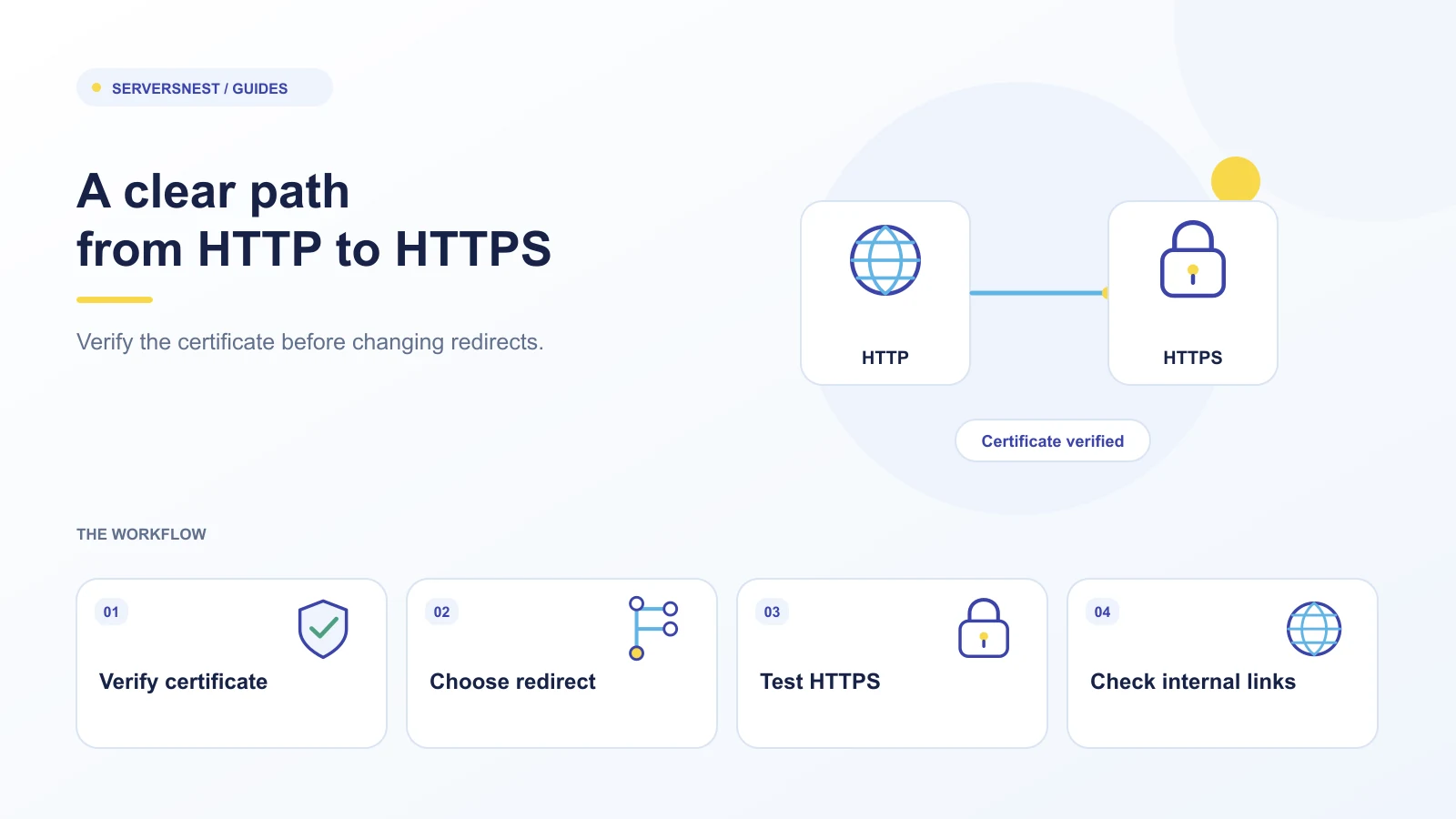
Redirect a website to HTTPS using cPanel or .htaccess. Check SSL first, avoid redirect loops, update WordPress URLs and test your secure pages safely.
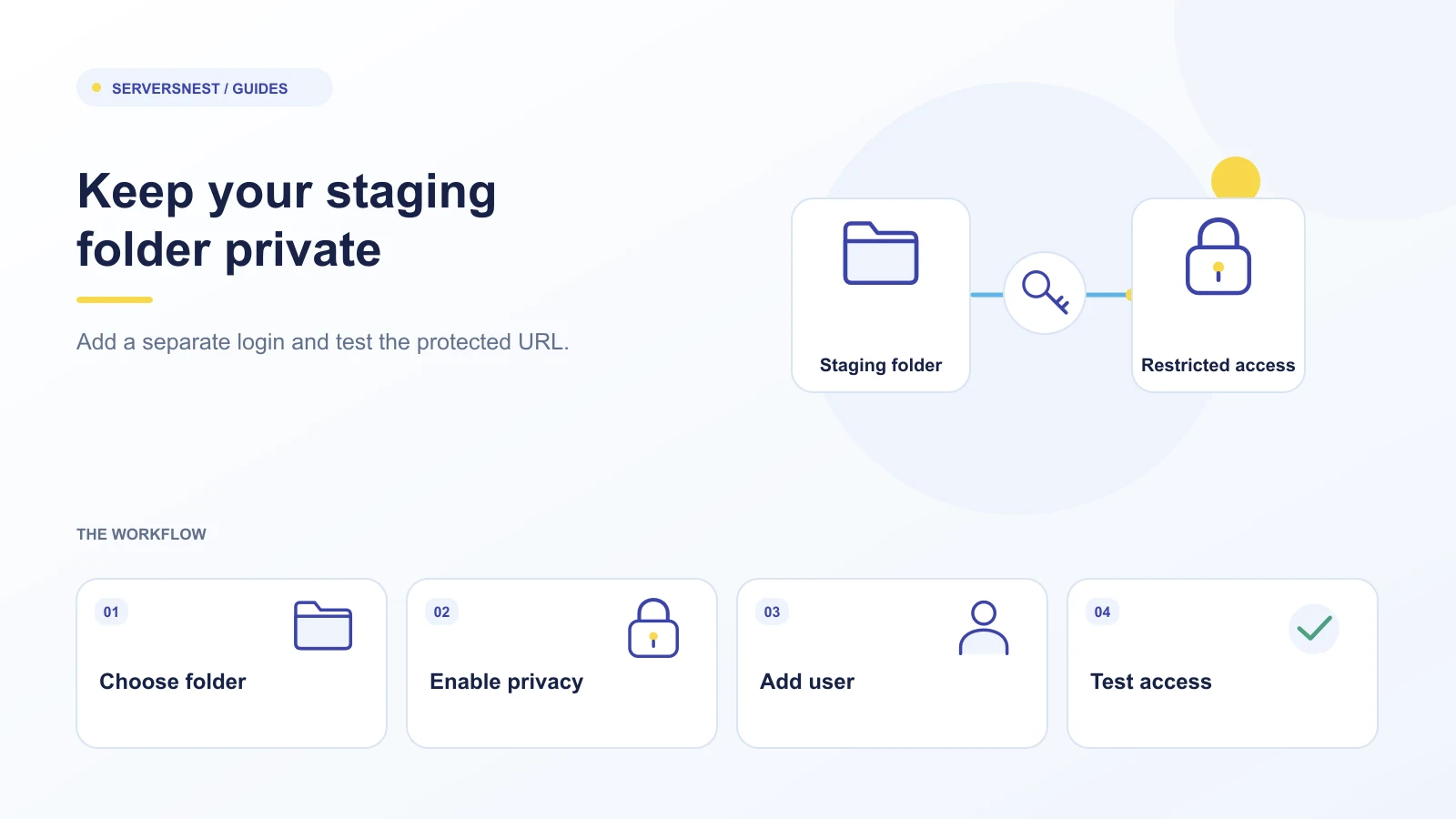
Protect a staging folder with cPanel Directory Privacy. Create separate users, test access over HTTPS, troubleshoot prompts and remove protection safely.
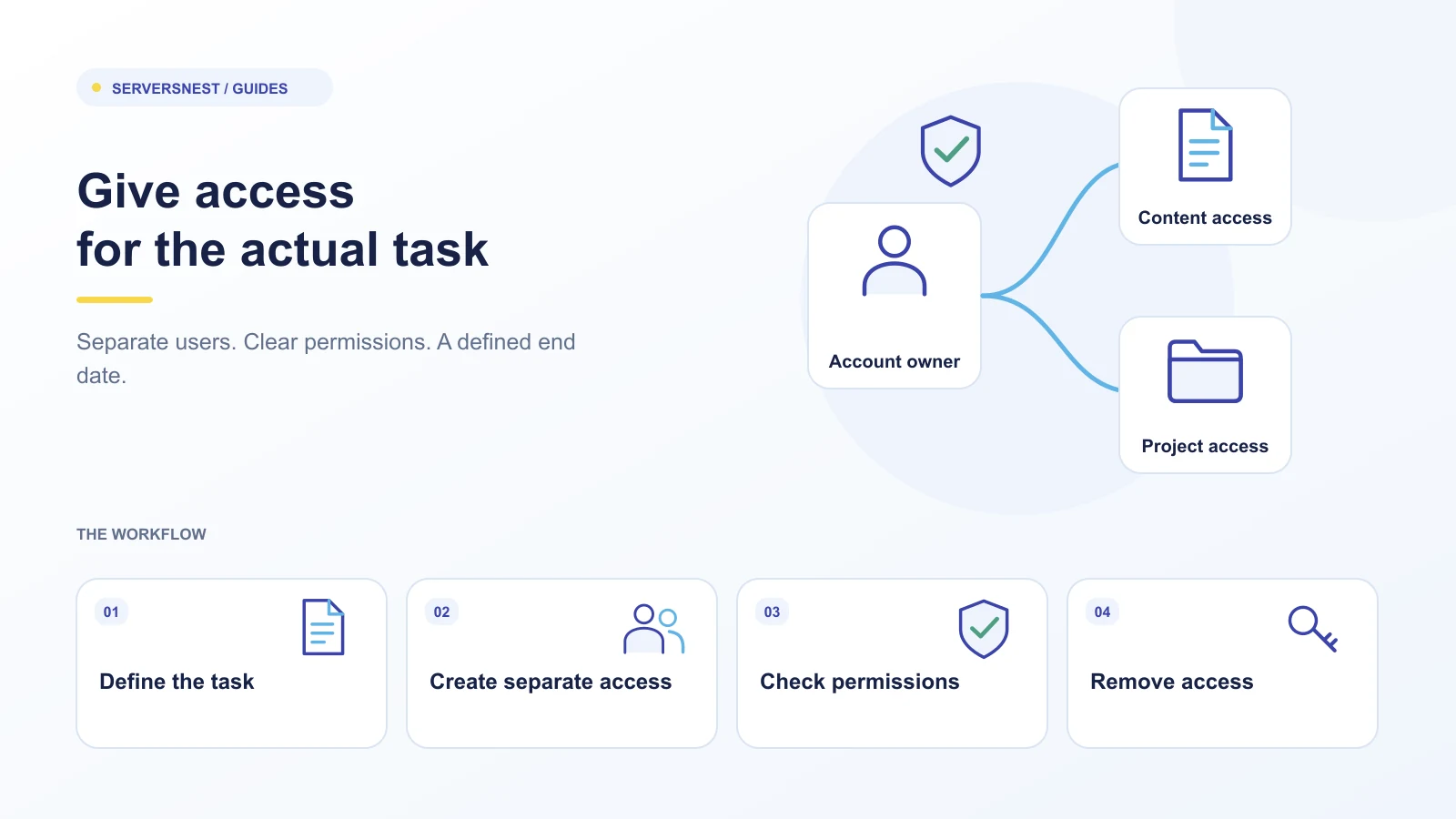
Give a developer the access they need using separate WordPress users or limited file accounts. Keep billing ownership private and remove access after work.
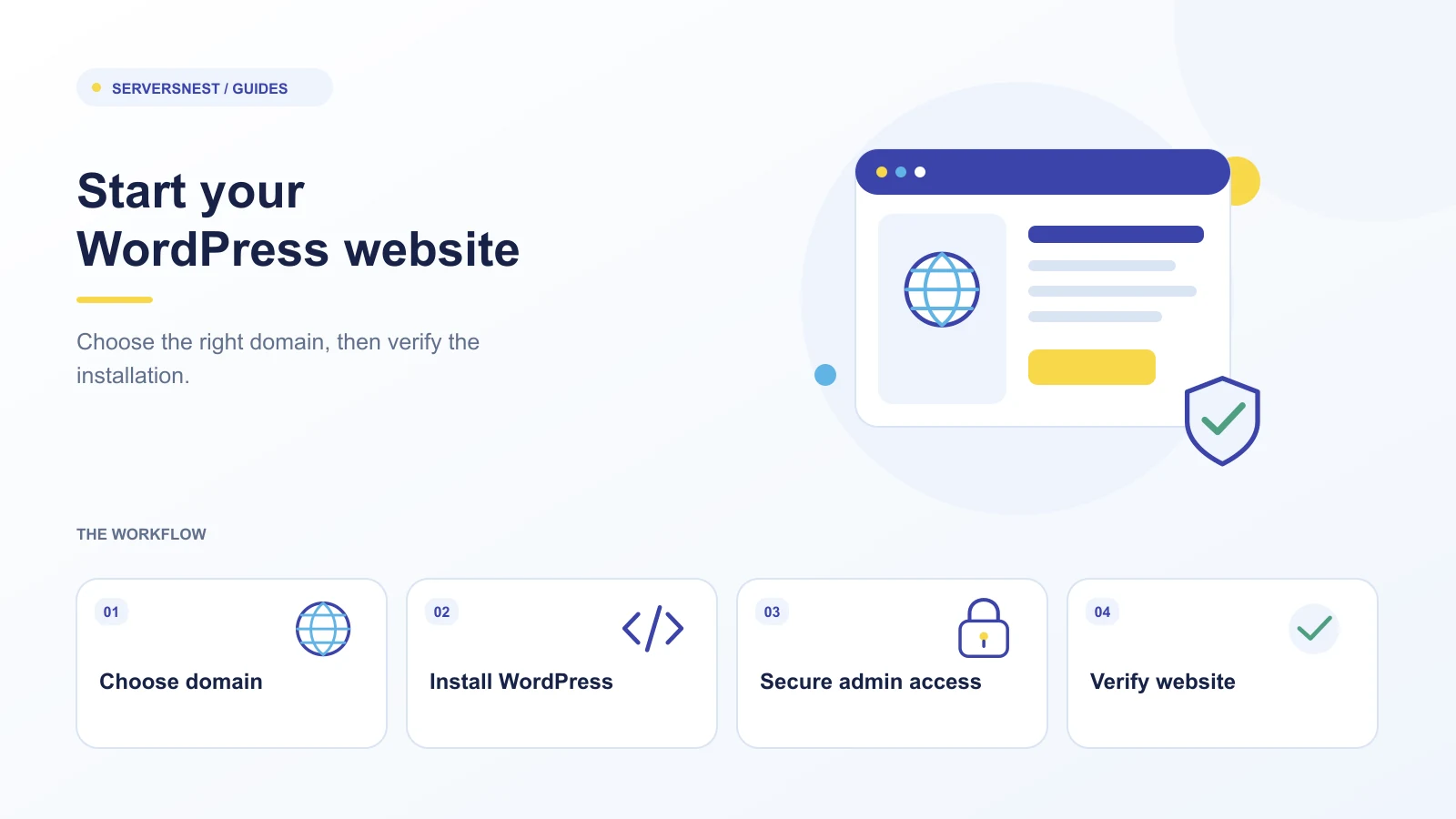
Install WordPress with Softaculous, WP Toolkit or a manual setup. Choose the right domain, create secure access and check your new website before launch.
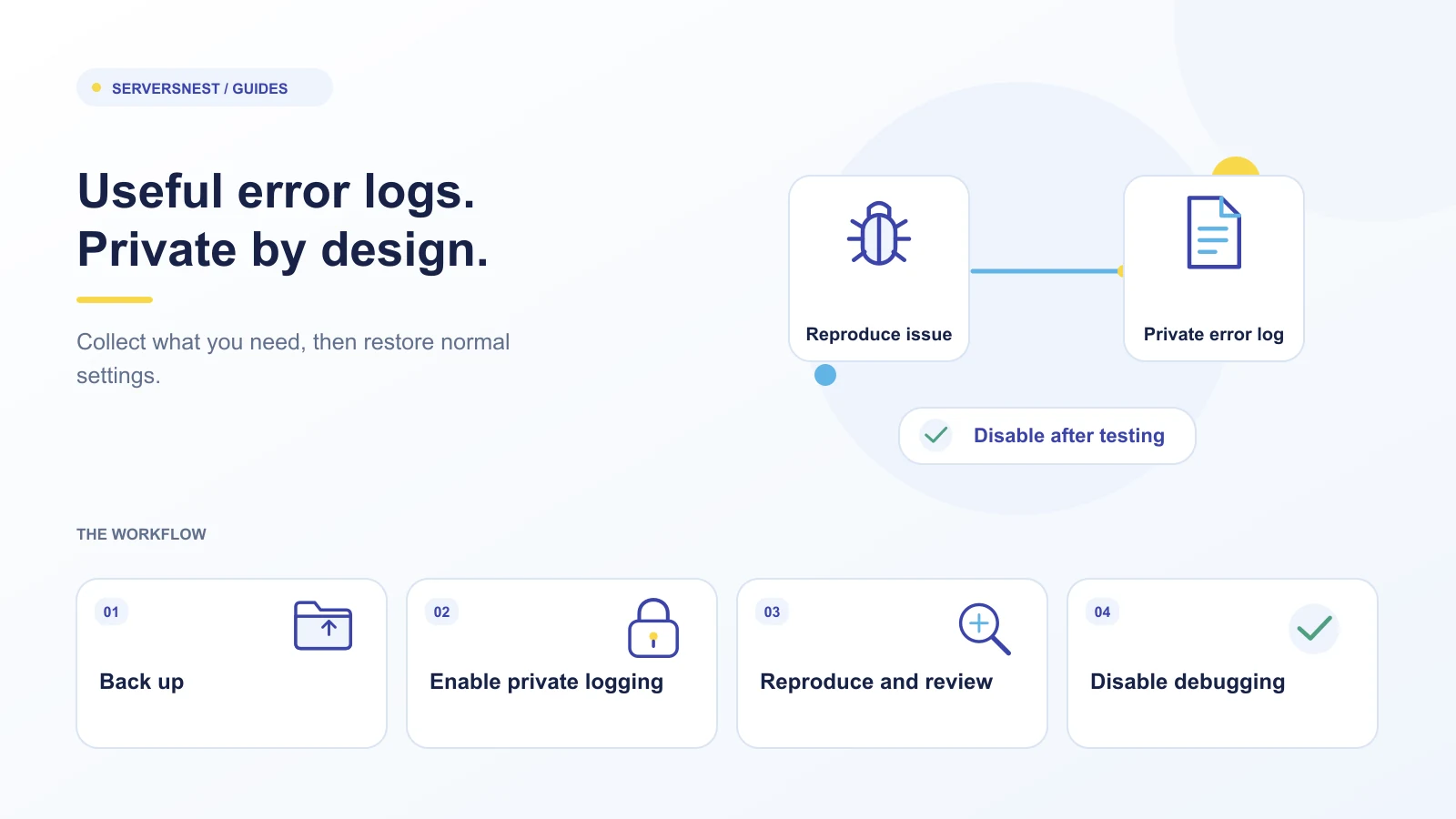
Enable WordPress debug logging without displaying errors to visitors. Protect the log, reproduce the problem, review useful details and switch debugging off.
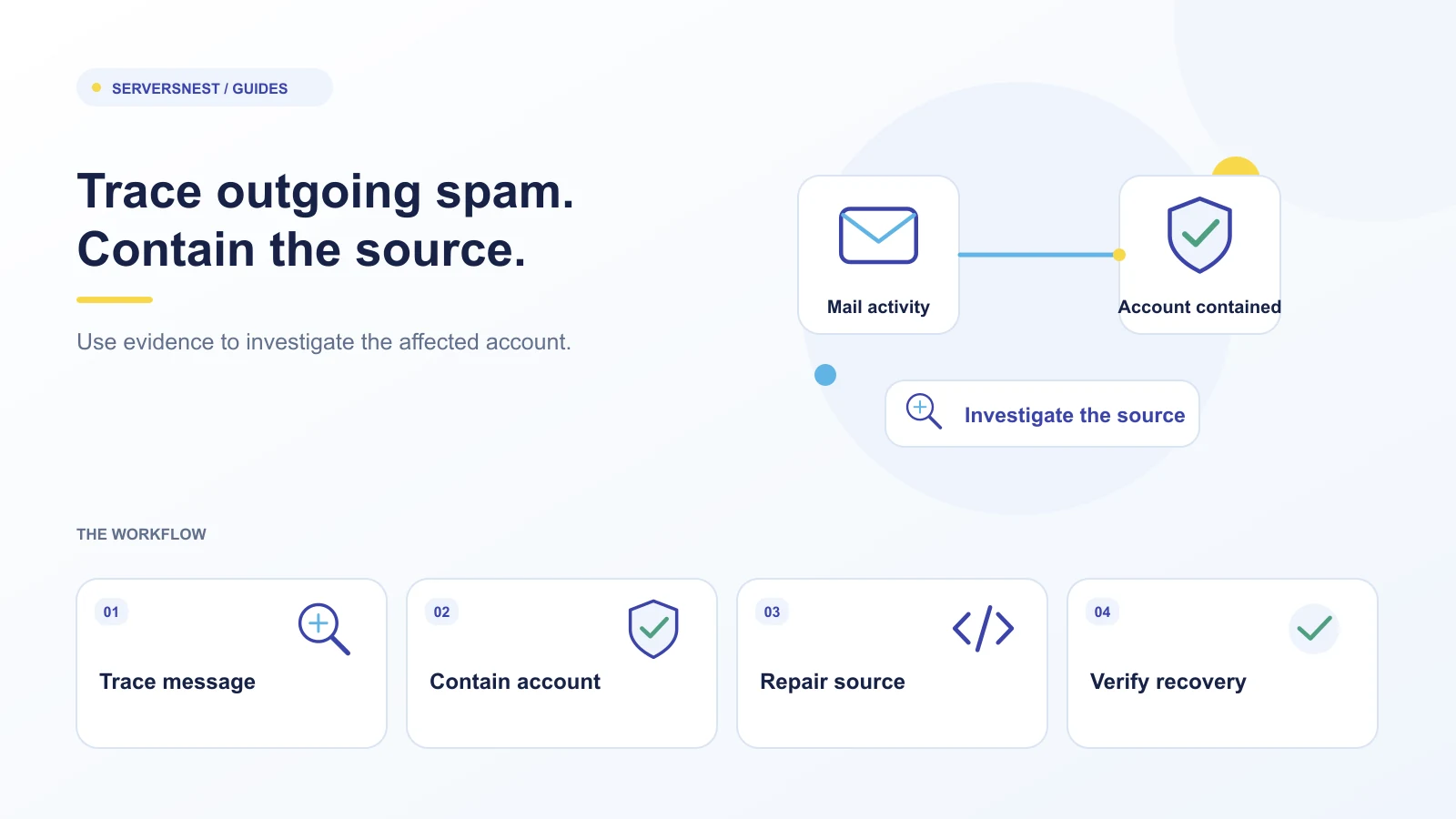
Trace suspicious email on a cPanel server, identify affected mailboxes or scripts, contain the account and verify recovery without a server-wide outage.
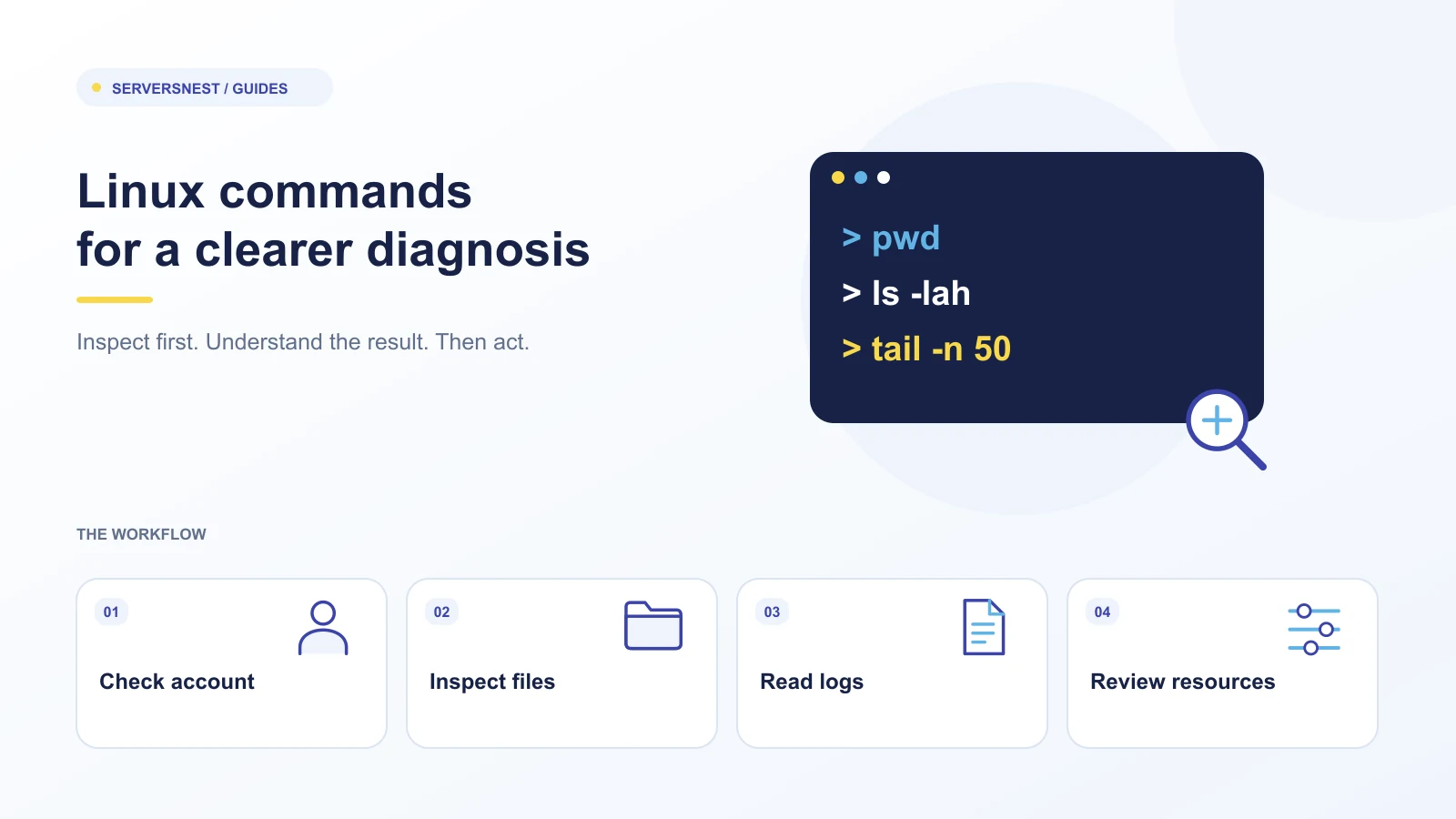
Learn practical Linux commands to inspect website files, search logs and check server resources, with safe examples for hosting accounts and VPS users.
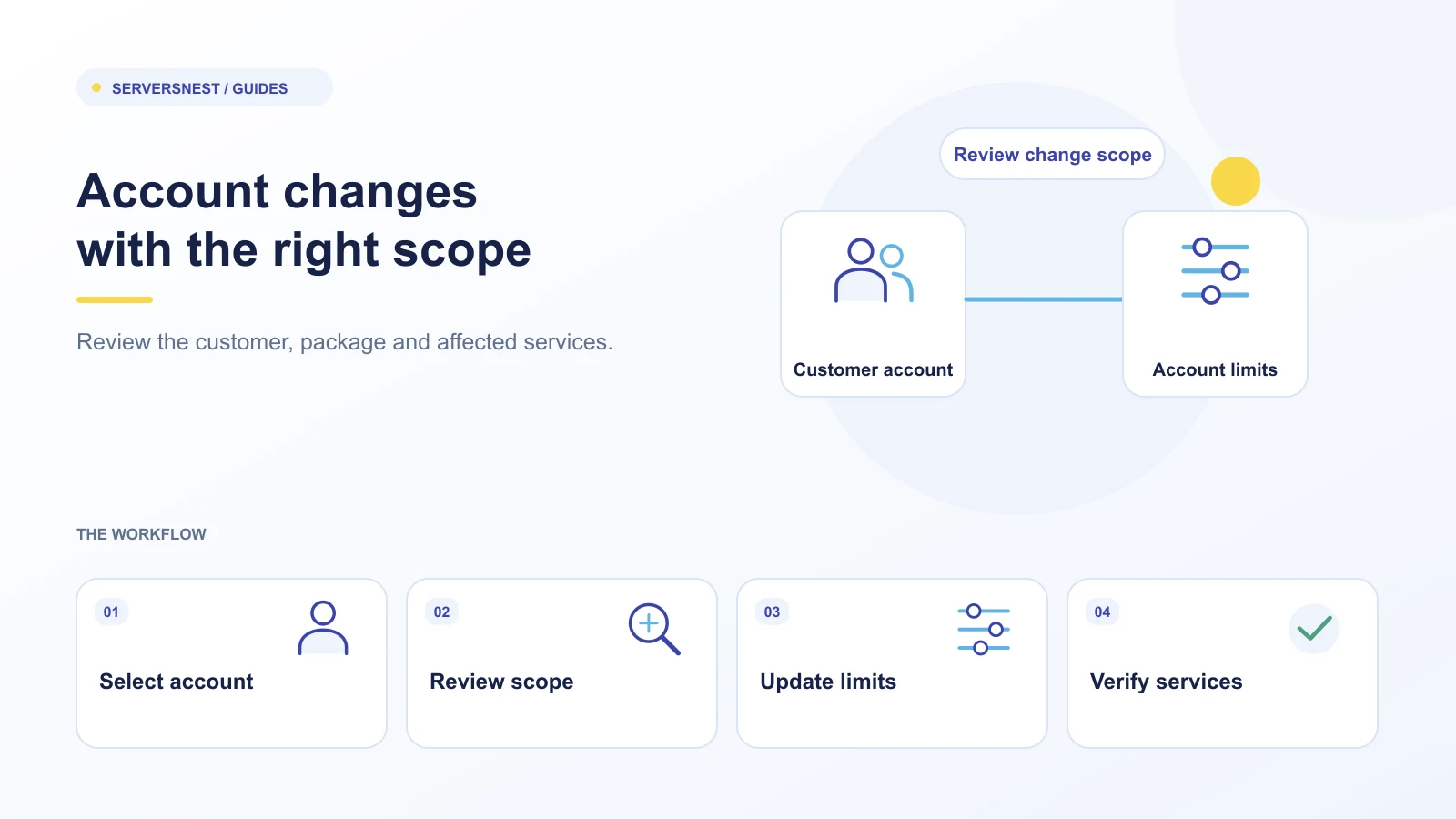
Update a cPanel account in WHM with clear checks for account limits, package changes, domains and permissions, then verify the website and email services.
LATEST GUIDES
Practical steps for managing your website, domains and email.