SERVERSNEST.COM GUIDE

A Practical Website Migration Plan

Move a website with preparation, verification and a rollback plan.
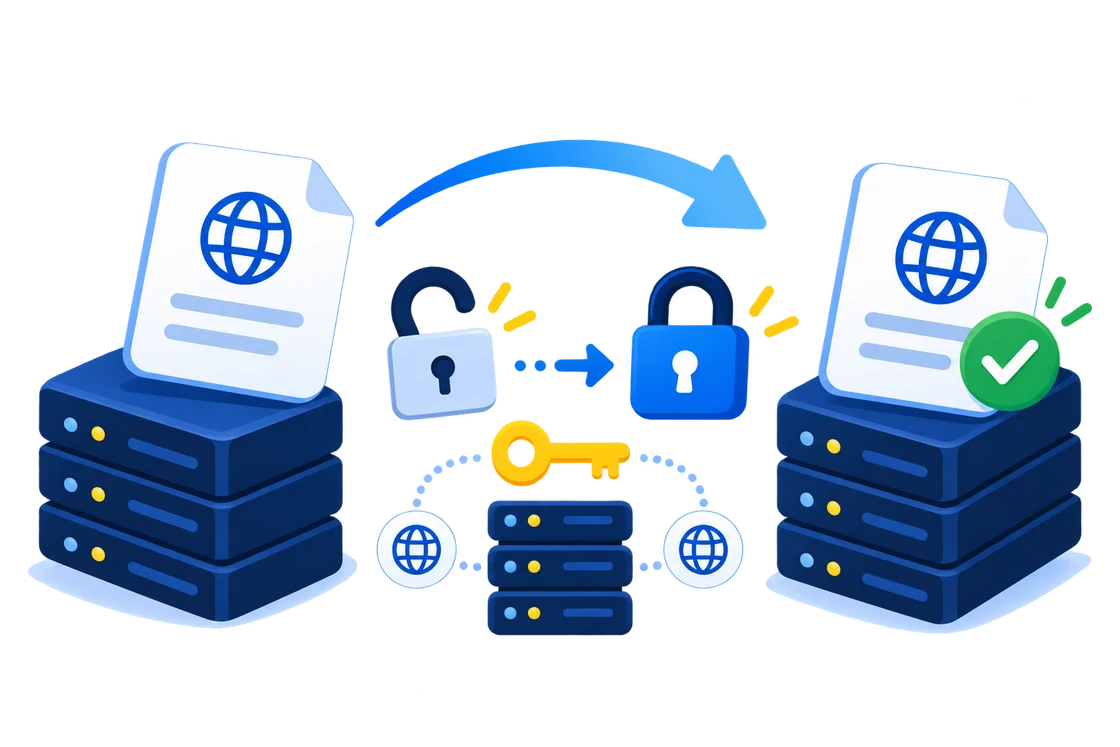
Website migration planning and domain transfer workflow

Inventory the existing website

Record the domain, DNS, email routing, files, databases, application versions and scheduled jobs. Confirm access to the old and new hosting environments.

Back up and copy the application

Take a full backup before making changes. Move files and databases, update connection settings and test using a temporary hostname or hosts-file override.

Verify before changing DNS

Check pages, links, forms, uploads, email and scheduled tasks. If content changes frequently, plan a final synchronization or maintenance window to avoid losing new data.

Switch traffic and monitor

Change the required DNS records, monitor errors and keep the old environment available during the transition. DNS caches can delay the switch. Confirm stability before retiring the old hosting.

Explore hosting options →
WEBSITE MIGRATION FAQ

Website Migration Questions Answered

  • What should I prepare before migrating a website?
    Inventory files, databases, email, DNS, certificates, scheduled tasks and software requirements. Create verified backups and document owners for each migration step.
  • How can I reduce downtime during a hosting migration?
    Prepare and test the destination first, lower DNS TTL when appropriate, schedule the final sync carefully and keep the old environment available during verification.
  • What happens to DNS during a website migration?
    DNS records direct visitors and mail to services. Record the existing zone, change only the required records and allow for cached results while changes propagate.
  • How should email be handled during migration?
    Inventory mailboxes, aliases, forwarding and sender-authentication records. Plan any mailbox copy and test sending and receiving before retiring the old service.
  • How do I test a migrated website before changing DNS?
    Use a staging URL or local hosts-file preview when available. Check pages, forms, authentication, databases, uploads, redirects, integrations and background jobs.
  • Why is a rollback plan important?
    A rollback plan identifies the backup, decision point, responsible person and DNS or application changes needed to restore service if final verification fails.
  • Do SSL certificates move with a website?
    Certificate handling depends on the platform. Install or issue a valid certificate on the destination and test HTTPS before directing public traffic there.
  • When is a website migration complete?
    Complete the move only after website, email, DNS, HTTPS, analytics, backups and critical transactions work correctly and the agreed monitoring period has passed.