

Knowledgebase / cPanel and Backups
How to Find Linux Hosting Paths in cPanel
Linux hosting paths tell an application where to find files or run a program. The correct location depends on your account, domain and server configuration. Use this guide to identify paths from your own control panel instead of copying an old server directory list.
By ServersNest Editorial Team
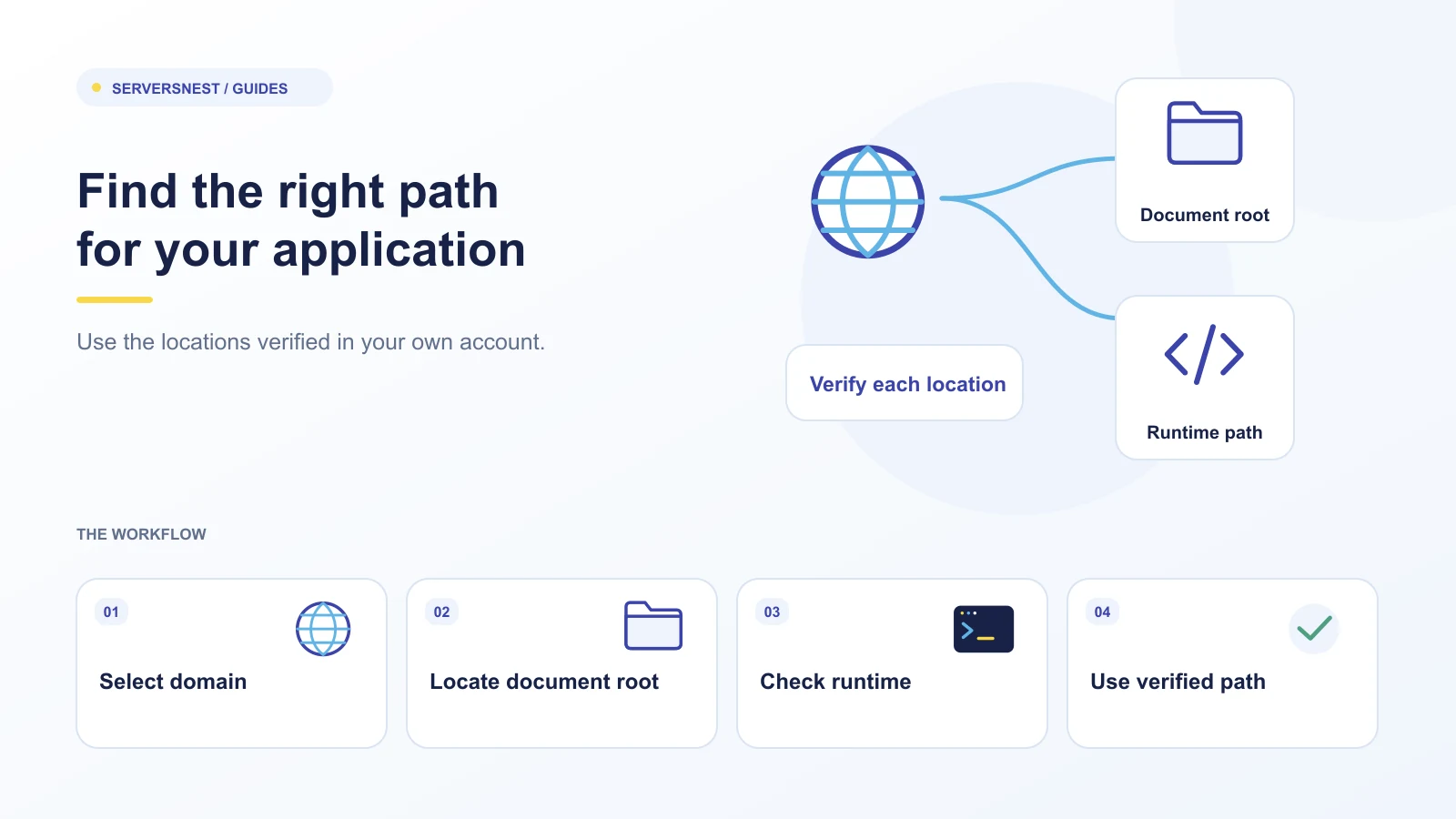
Confirm paths in your own hosting account before using them in application settings.
Understand the three kinds of path
A website address such as https://example.com is a URL. A filesystem path such as /home/account/public_html identifies a folder on the server. An executable path identifies a program, for example the PHP interpreter used by a scheduled task. These values serve different purposes and cannot be substituted for each other.
The examples below use account as a placeholder. Replace it with your actual hosting username only after confirming the location. A domain can point to a folder with a completely different name, and moving a folder does not automatically update a domain’s configuration.
Find the website's document root
- Sign in to cPanel and open File Manager.
- Open Settings and use Document Root for to select the domain you need.
- Read the folder path in File Manager. Check for the site’s expected files before editing anything.
- If you need files such as
.htaccess, enable Show Hidden Files.
The main site’s folder is commonly public_html inside the account home directory. Additional domains may use another directory. cPanel documents these navigation options in its File Manager guide.
Record both the domain and its full directory path. This small note helps prevent an update intended for a test site from being uploaded to the live website.
Check PHP before configuring a scheduled task
The PHP version used by a website can differ from the version invoked by a command. On an EasyApache 4 server, version-specific PHP installations use paths under /opt/cpanel/. For example, /opt/cpanel/ea-php83/root/usr/bin/php refers to an EasyApache PHP 8.3 installation if that package exists on the server. It is an example, not a requirement for your application.
When Terminal or SSH access is available, these read-only checks help identify the command:
command -v php
php -v
Use the interpreter that matches your application’s supported version. Ask support to confirm it if command access is unavailable. Do not reuse PHP 5 paths from an old tutorial. See cPanel’s PHP command-line documentation for how its PHP launcher works.
Locate application folders and commands
Where cPanel Application Manager is enabled, its application path is relative to your account’s home directory. An entry of myapp therefore identifies a folder inside that home directory, rather than a public URL. The interface also shows the deployment domain and application status. Availability and supported runtimes depend on the hosting configuration. Refer to Application Manager documentation.
For other installed commands, check the individual program instead of assuming its location:
command -v python3
command -v curl
command -v openssl
command -v reports how the current shell resolves a command; an empty result can mean it is unavailable in that shell’s search path. It does not prove that a particular hosting feature is included. The behavior is documented in the Bash reference manual.
Avoid common path mistakes
- Respect capitalization: treat
Uploadsanduploadsas different names. - Keep secrets private: never place database exports, credentials or backup archives in a public website folder for convenience.
- Use the database tools: access phpMyAdmin from the authenticated control panel. A database’s server storage directory is not a website upload destination.
- Check the exact application: the path for a WordPress installation can differ from the path for another site in the same account.
If you are choosing an account for a standard website, compare the published limits of our Shared Hosting plans. If an application requires server-level packages or administration, review VPS Hosting and confirm its management requirements before ordering.
KNOWLEDGEBASE FAQ
Frequently asked questions
Is every website stored in public_html?
No. It is a common location for the main website, but additional domains and applications can use other directories. Check the selected domain in your control panel.
Can I use a website URL as a cron file path?
A filesystem command normally needs a filesystem path. Only use a URL when the scheduled command or application specifically expects an HTTP request.
What if Terminal is missing from cPanel?
Use File Manager to identify your files and ask support to confirm any executable paths. Terminal and SSH access depend on the account configuration.
Should I change permissions when a path does not work?
First confirm the spelling, full location and application setting. Broad permission changes can create another problem; ask support about ownership or access errors.