

Knowledgebase / Email and Server Security
How to Investigate Outgoing Spam on a cPanel Server
Unexpected outgoing mail can come from a stolen mailbox password, an abused form or a compromised website. Identify the affected account and preserve useful evidence before changing anything. Server-level investigation requires authorized WHM or administrator access; shared hosting customers should involve their provider.
By ServersNest Editorial Team
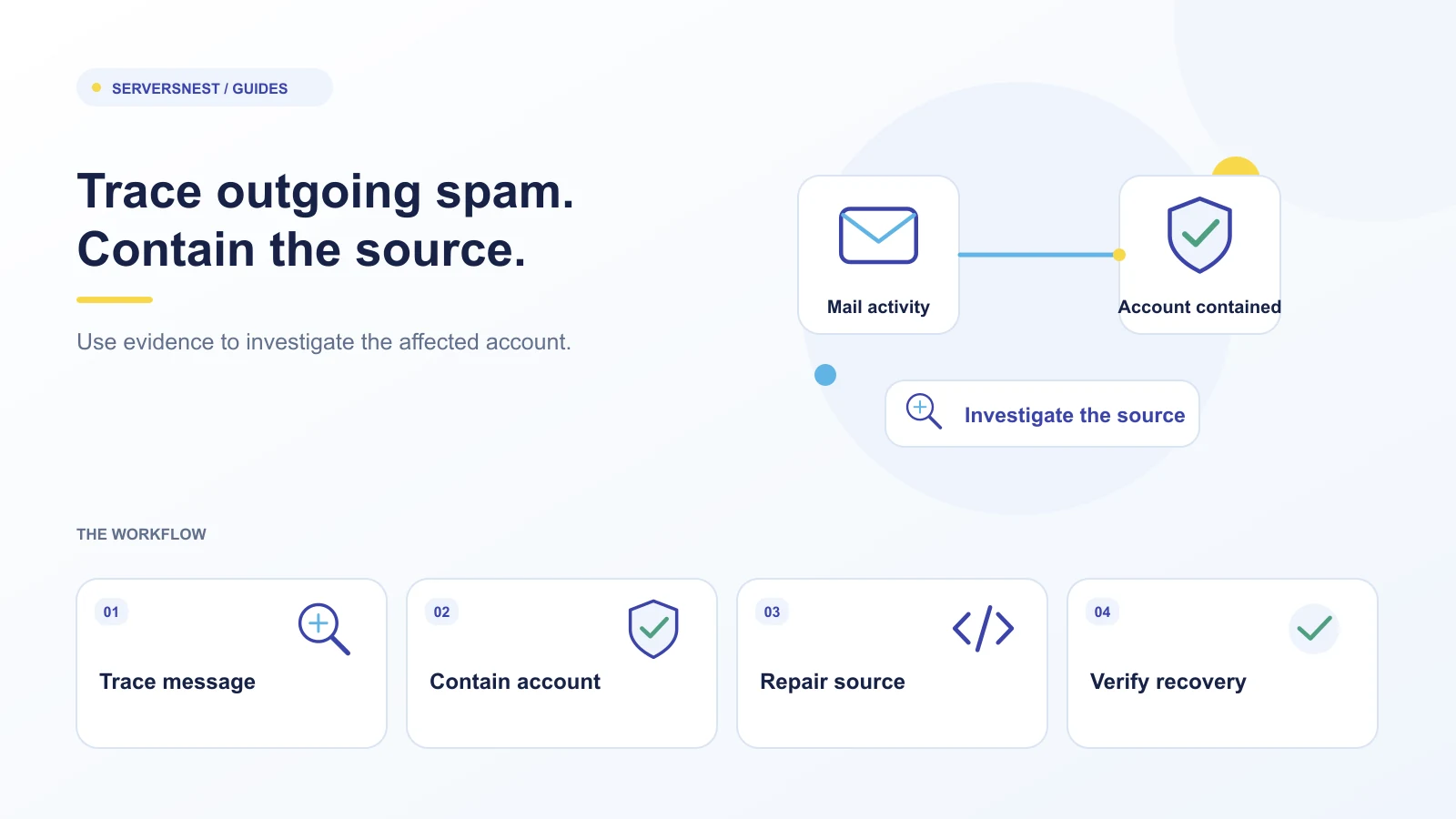
Incident response illustration: trace the source, contain the account, repair the cause and verify recovery.
Contain the affected account first
Record the time the issue began, a sample message ID and the domain involved. Share these details through a private support ticket, keeping customer messages and recipient addresses out of public posts. Ask the provider to restrict outgoing mail for the affected account while investigating.
For a compromised mailbox, cPanel’s Email Accounts management controls may allow outgoing mail restrictions and a password reset. Menu access depends on account permissions. Choose targeted containment so that unrelated customers can continue receiving service; see Manage Email Accounts. A queue count alone is not proof of spam, because legitimate mail can also accumulate during delivery failures.
Find a sample message and follow its delivery record
An authorized server administrator can use WHM’s Mail Queue Manager for queued messages or delivery reports for recent traffic. Select an individual suspicious message and inspect its details without deleting the whole queue. Note its message ID, timestamp and submission information.
The queue contains customer data, so limit access and avoid pasting complete headers or message bodies into public tools. WHM provides controls for inspecting and handling selected queued messages in its Mail Queue Manager documentation. Evidence from one message is more useful than assuming every item in a large queue has the same cause.
Distinguish mailbox login from website script activity
On a cPanel server, an administrator can search Exim logs for the selected message ID. Replace the placeholder below with the actual ID from your own server; this command reads matching records.
exigrep 'MESSAGE_ID' /var/log/exim_mainlogAuthentication fields such as A=dovecot_login: or A=dovecot_plain: can identify an authenticated mailbox. Script submissions may instead have working-directory and local-user information. Follow the related entries, accounting for log rotation if the event is older.
A directory name is an investigation lead, not proof that a legitimate plugin is malicious. Check the submitting account, file contents and surrounding events before drawing a conclusion. cPanel’s guide explains how to trace a spam message to its source.
Repair the underlying compromise
For a stolen mailbox password, set a new unique password and update authorized mail applications. Review forwarding rules, connected devices and other accounts that reused the same credential. If a computer holding the password may be infected, clean it before entering replacement credentials.
For a compromised website, preserve a restricted copy for investigation and restore affected code from trusted packages or a verified clean backup. Review newly added administrator users, scheduled tasks, upload directories and configuration changes. Update the vulnerable application or extension that allowed the incident. Simply renaming one suspicious file may leave other entry points intact.
WordPress site owners can follow the official hardening guidance while coordinating cleanup with an administrator. Ask support before changing system services or permissions that affect other users.
Restore sending gradually and monitor it
Have the administrator review held messages and decide which are legitimate before releasing restrictions. Confirm a small authorized test message can leave the server and reach its intended recipient. Then monitor the affected account for renewed submissions, unusual recipients or the same rejected delivery pattern.
Document what caused the incident, which credentials changed and which files or applications were repaired. Keep the incident copy separate from future routine backups so it cannot accidentally become a trusted restore point. If the source remains uncertain, continue targeted containment and request further investigation rather than repeatedly clearing symptoms.
Reduce the chance of another incident
Use supported software, unique passwords and multifactor authentication where available. Protect forms from automated abuse and review third-party mail integrations. Server administrators should configure appropriate sending limits and abuse monitoring for the accounts they manage. These settings require care because aggressive limits can also block legitimate application mail.
cPanel documents email-abuse prevention controls. If you need dedicated administration of your environment, compare VPS hosting options and confirm who is responsible for security updates, monitoring and incident response. Purchasing a server by itself does not resolve a compromised application.
KNOWLEDGEBASE FAQ
Frequently asked questions
Can I run these server commands from a shared hosting account?
Usually not. Exim logs and WHM mail-queue controls require administrative permissions. Send your provider the affected domain, event time and a sample message ID through a private ticket.
Does a large mail queue prove the server was hacked?
No. Delivery failures and remote rate limits can also grow the queue. Inspect representative messages and their submission records before identifying the cause.
Should I stop Exim for the entire server?
Do not use a server-wide shutdown as the default response to one affected account. Ask an authorized administrator to apply targeted restrictions and determine whether broader containment is necessary.
Is changing the email password enough?
It can stop reuse of that credential, but it does not repair an infected device, vulnerable website or malicious forwarding rule. Investigate the entry point and verify that suspicious sending has stopped.