

Knowledgebase / cPanel and Backups
How to Check Your PHP Version in cPanel Safely
Check the PHP version assigned to your domain in cPanel before creating a public diagnostic file. A website and an SSH command can use different PHP runtimes. This guide explains which result matters, how to collect only the information you need and how to remove temporary diagnostics afterward.
By ServersNest Editorial Team
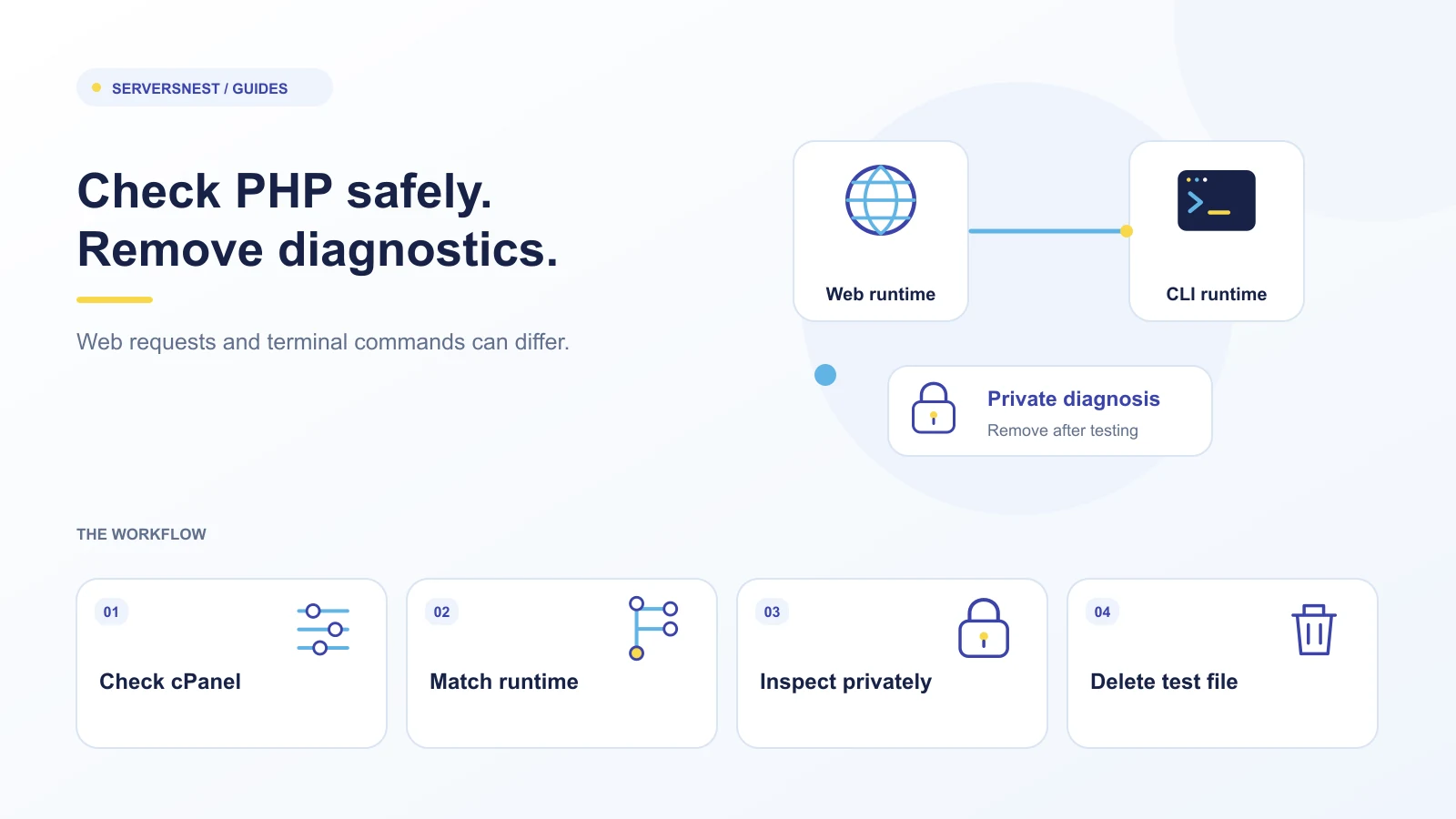
Check the domain's PHP version first; use temporary diagnostics privately and remove them after verification.
Check the domain in MultiPHP Manager
- Sign in to cPanel and open MultiPHP Manager under Software, when available.
- Find the domain you are troubleshooting, not just the account’s primary domain.
- Read its assigned PHP version and note whether the setting is inherited.
- Record the domain, displayed version and time of your check.
Inherited settings depend on the server configuration. The available versions and controls are managed by your provider. Some environments offer a different PHP selector; ask support which tool governs your domain instead of changing both tools.
Looking at a version does not require changing it. If you decide to upgrade, first confirm compatibility with your application, themes, plugins and required extensions. Use a current backup and test on staging where possible. Choose a supported release available for your account rather than relying on an old tutorial’s version number.
Collect the information that matches the problem
For an application compatibility question, the domain’s PHP version and required extensions may be sufficient. For an upload limit, the relevant settings may be upload_max_filesize and post_max_size. For a memory error, record the exact error and the configured limit. Asking a focused question helps avoid collecting an entire server configuration report unnecessarily.
Do not treat a newer version as a guaranteed fix for every website problem. Reproduce the issue, note the failing URL and action, and compare the application’s supported requirements. If the website stops working after a version change, restore the previously working supported setting and investigate the compatibility issue before trying again.
Understand the difference between web PHP and CLI PHP
If SSH is available for your account, these read-only commands inspect the PHP executable found by your shell:
php -v
php --ini
php -m
php -v displays its version, php --ini identifies configuration files, and php -m lists modules. These results describe command-line PHP. A scheduled task, Composer command and web request can run different executables or load different settings.
If a cron job fails while the website works, compare the job’s configured PHP path with the runtime your application requires. Ask your provider for the correct executable path rather than assuming a version-specific path exists. Do not post a full configuration dump in a public forum.
Use a protected phpinfo file only when necessary
phpinfo() can reveal filesystem paths, configuration values, modules and other server details. Prefer the control panel or an authenticated application status screen. If a support investigation requires web-runtime output, create the file only in a location whose password or IP protection has already been tested. A difficult-to-guess filename alone is not protection.
- Use File Manager to confirm the intended domain’s document root and protected folder.
- Create a temporary PHP file with a unique descriptive name.
- Add the following limited diagnostic code and save it.
- Visit its HTTPS URL using your authorized browser session.
<?php
header('Cache-Control: no-store, private');
phpinfo(INFO_GENERAL | INFO_CONFIGURATION | INFO_MODULES);
This limits the selected output categories but still exposes sensitive configuration details. Keep the report private. A protected subfolder can have different settings from its parent; if precise document-root behavior must be checked, ask support to arrange an authenticated or IP-restricted check at that location.
Read the result, then delete the file
Look at the version, Server API, loaded configuration location and the specific extension or setting involved. Configuration tables may contain local and master values. Record the value relevant to the current request rather than assuming the global value applies unchanged to every website.
- Copy only the necessary details into your private support ticket.
- Delete the temporary PHP file as soon as the check is complete.
- Request its URL again and confirm the diagnostic output is no longer accessible.
- If a proxy or CDN cached that path, purge it and repeat the check.
Do not keep a permanent public phpinfo.php page for convenience. Remove local screenshots or exported reports containing private configuration when they are no longer needed.
Choose hosting based on the application requirements
If your application needs a PHP extension or version that is unavailable, provide support with its documented requirements before changing hosting. For a WordPress project, compare the resources and current features of ServersNest WordPress hosting plans. For an existing PHP app with a database, compare PHP and MySQL hosting plans for database counts and migration requirements. A plan name alone does not establish which PHP modules a particular server has enabled.
KNOWLEDGEBASE FAQ
Frequently asked questions
Why does php -v show a different version from cPanel?
The command inspects the PHP executable selected by your shell. The website may use a different handler, executable and configuration. Check the domain's web runtime and the command-line task separately.
Is it safe to leave phpinfo.php online?
No. It exposes configuration details that should remain private. Use an authenticated or IP-restricted diagnostic only when necessary, delete it immediately afterward and verify that its URL no longer displays output.
Can I change PHP versions without testing?
A version change can expose incompatible application code or missing extensions. Back up the site, review application requirements and test on staging before changing a production domain.
What should I do if MultiPHP Manager is missing?
Your provider may hide it or use another PHP selector. Ask which interface controls your domain. Avoid adding arbitrary PHP handler rules to .htaccess as a workaround.