CLOUD VPS HOSTING

Cloud VPS Hosting

Run websites, applications and development environments on an isolated virtual server with configurable compute, memory and storage.

  • Isolated virtual server resources
  • Root-level control on eligible plans
  • Scale resources as workload needs change
Explore VPS PlansChoose a configuration for your workload and growth plan.
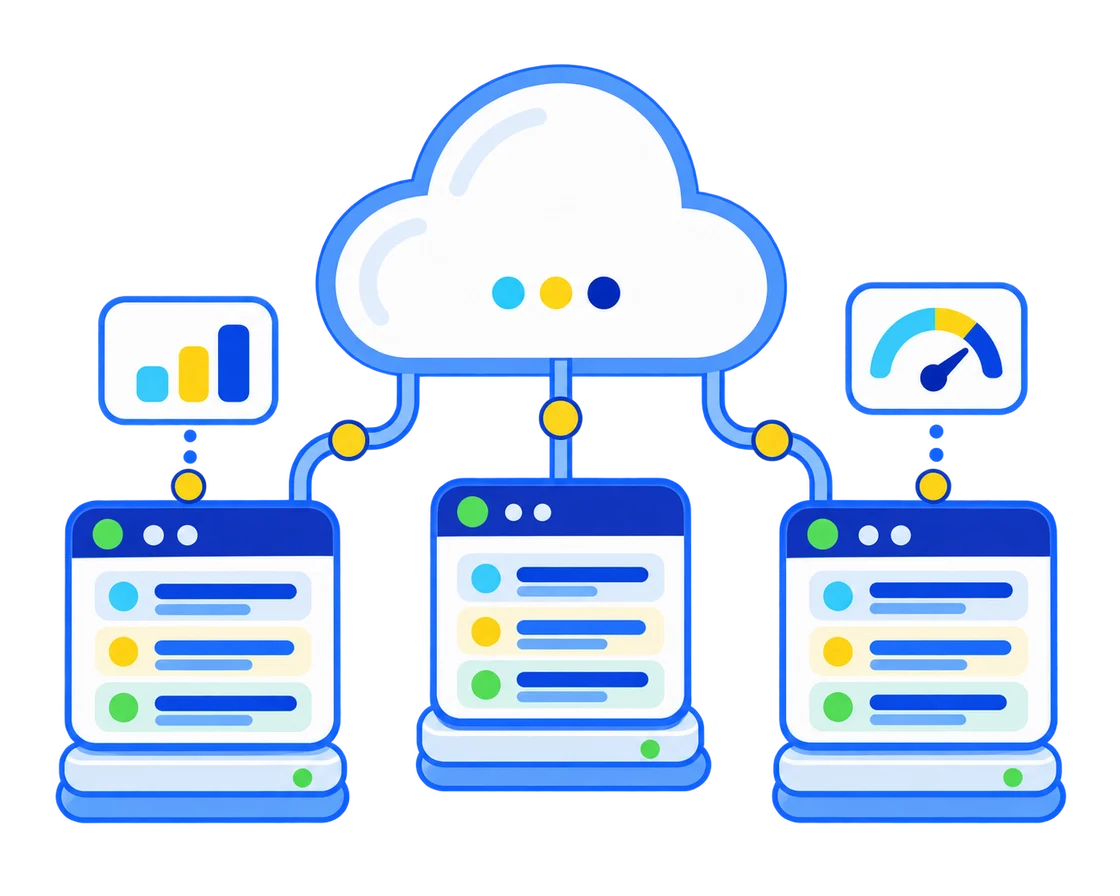
Cloud virtual private server cluster with isolated workloads, security and performance monitoring
Platforms for Cloud VPS Workloads
VPS CONFIGURATIONS

Choose a VPS for Your Workload

Start with the workload you run today, then leave room for traffic, databases, background jobs and future growth.

Cloud VPS Start
$24.99 / Monthly
  • 2 GB Guaranteed RAM
  • 2 CPU Cores (Equal Share)
  • 50 GB NVMe SSD Storage
  • 2 TB Monthly Bandwidth
  • 1 Dedicated IPv4 Address
  • Full Root Access
  • Linux OS Support
Cloud VPS Pro
$74.99 / Monthly
  • 6 GB Guaranteed RAM
  • 6 CPU Cores (Equal Share)
  • 200 GB NVMe SSD Storage
  • 6 TB Monthly Bandwidth
  • 1 Dedicated IPv4 Address
  • Full Root Access
  • Linux OS Support

Compare Cloud VPS Plans

Compare the resources included with each Cloud VPS plan.

VPS Specifications

Compare Cloud VPS Plans
Feature Cloud VPS Start $24.99 / Monthly Order Now Cloud VPS Plus $49.99 / Monthly Order Now Cloud VPS Pro $74.99 / Monthly Order Now
Guaranteed RAM 2 GB 6 GB
CPU Cores (Equal Share) 2 6
NVMe SSD Storage 50 GB 200 GB
Monthly Bandwidth 2 TB 6 TB
Dedicated IPv4 Address 1 1
Full Root Access Included Included
Linux OS Support Included Included
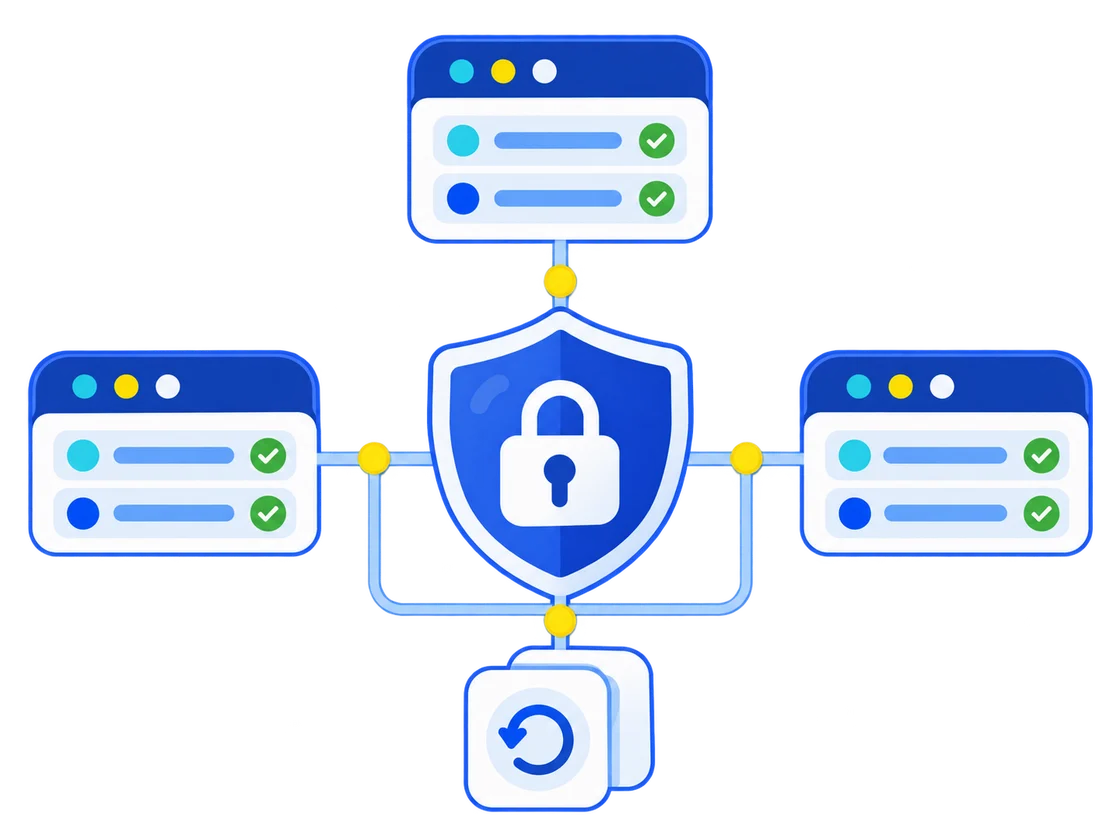
Isolated virtual private servers protected by network security and backup snapshots
SECURE VPS FOUNDATIONS

Isolation and Controls for Critical Workloads

A VPS gives your workload a separated operating environment. Security still depends on plan features, correct configuration, updates and responsible access control.

  • Workload isolationKeep your operating environment separate from other virtual servers on the host.
  • Encrypted trafficUse SSL certificates and secure administration channels for websites and services.
  • Backups and snapshotsConfirm available snapshot, backup and retention options before relying on them for recovery.
  • Patch managementKeep the operating system, control panel and application stack updated.
CONTROL AND FLEXIBILITY

Build the VPS Around Your Application

Choose the operating system and software stack your workload requires, then monitor demand and scale with a clear deployment plan.

Operating System Choice

Select from the Linux distributions available with the chosen VPS plan.

Administrative Access

Configure services and application dependencies when root access is included.

Resource Monitoring

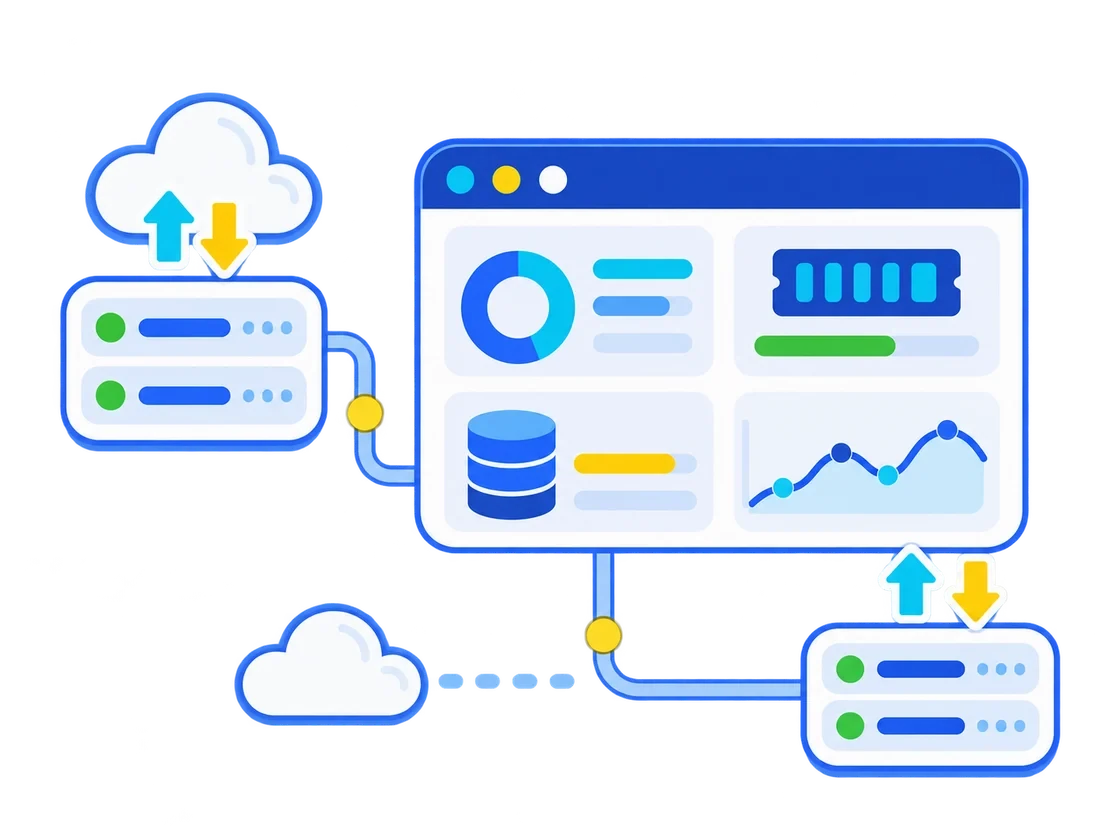
Track CPU, memory, storage and traffic before changing the configuration.

Migration Planning

Plan DNS, data transfer, testing and rollback steps before moving production workloads.

VPS management dashboard monitoring compute, memory, storage, traffic and server scaling
CLOUD VPS HOSTING FAQ

Cloud VPS Hosting Questions Answered

  • What is Cloud VPS hosting?
    Cloud VPS hosting provides an isolated virtual server with configurable compute, memory and storage. It is suited to websites, applications, APIs and development environments that need more control than standard shared hosting.
  • How is a VPS different from shared hosting?
    Shared hosting places multiple customer accounts within one managed hosting environment. A VPS provides a separate operating environment with allocated resources and more configuration control, while still running on virtualized infrastructure.
  • Is Cloud VPS hosting managed or self-managed?
    Management scope depends on the selected plan. Confirm whether operating system updates, control panel tasks, security hardening, monitoring and application support are included or remain your responsibility.
  • Can I choose the operating system and use root access?
    Available Linux distributions and administrative access vary by plan. Check the current operating system list, control panel compatibility and root-access policy before ordering.
  • Can I increase VPS resources later?
    Upgrade options depend on the VPS platform and selected configuration. Monitor CPU, memory, storage and traffic so you can plan scaling before resource pressure affects the workload.
  • Are backups and snapshots included with VPS hosting?
    Backup frequency, snapshot availability, retention and restore assistance vary by plan. Keep an independent copy of important data and test the recovery process for production systems.
  • How do I secure a Cloud VPS?
    Use secure administrator access, apply operating system and software updates, configure a firewall, encrypt website traffic, limit exposed services and maintain tested backups. Security responsibilities depend on the management level you choose.
  • How do I choose the right VPS plan?
    Estimate CPU demand, memory use, storage growth, database activity, traffic, background jobs and administration needs. Choose a configuration with headroom and confirm the upgrade path, backups and support scope.